Build your click.
Choose sounds, balance the layers, and dial in the feel.
The programmable click rig for working musicians
Save It. Recall It. Play It.
Mix six rhythm layers, shape the feel, and save your click with each song. ClickRig™ is ready for your practice room, lesson, session, or set.
 COMING SOON
 COMING SOON · iPhone & iPad
One click doesn’t fit every song.
Choose sounds, balance the layers, and dial in the feel.
Keep the complete setup for a tune, lesson, or exercise.
Move to the next part without rebuilding your metronome.
Find your setting
From the first exercise to the last song.
A click that fits the music in front of you.

01 / Practice
Isolate a subdivision. Adjust the swing. Save your setup for tomorrow.
Explore the controls
02 / Lessons
Bring the subdivision forward and keep lesson-specific clicks ready.
Explore the controls
03 / Playing together
Build a rhythmic reference for guitar parts, rhythm sections, and rehearsal.
See the workflow
04 / Songwriting
Save the tempo, meter, and feel while the idea is fresh.
See song recall
05 / On stage
Put your clicks in set order anytime. Recall the SetList before the show starts.
See song recall
06 / Ensembles
Anchor the beat & set subdivisions for sectionals & ensemble rehearsal.
Explore the controlsThe Click Crew
Join The Click Crew for ClickRig™ email updates and promotions.
Signup is handled by SendFox. Read our privacy policy.
If the form doesn’t appear, open the signup form.
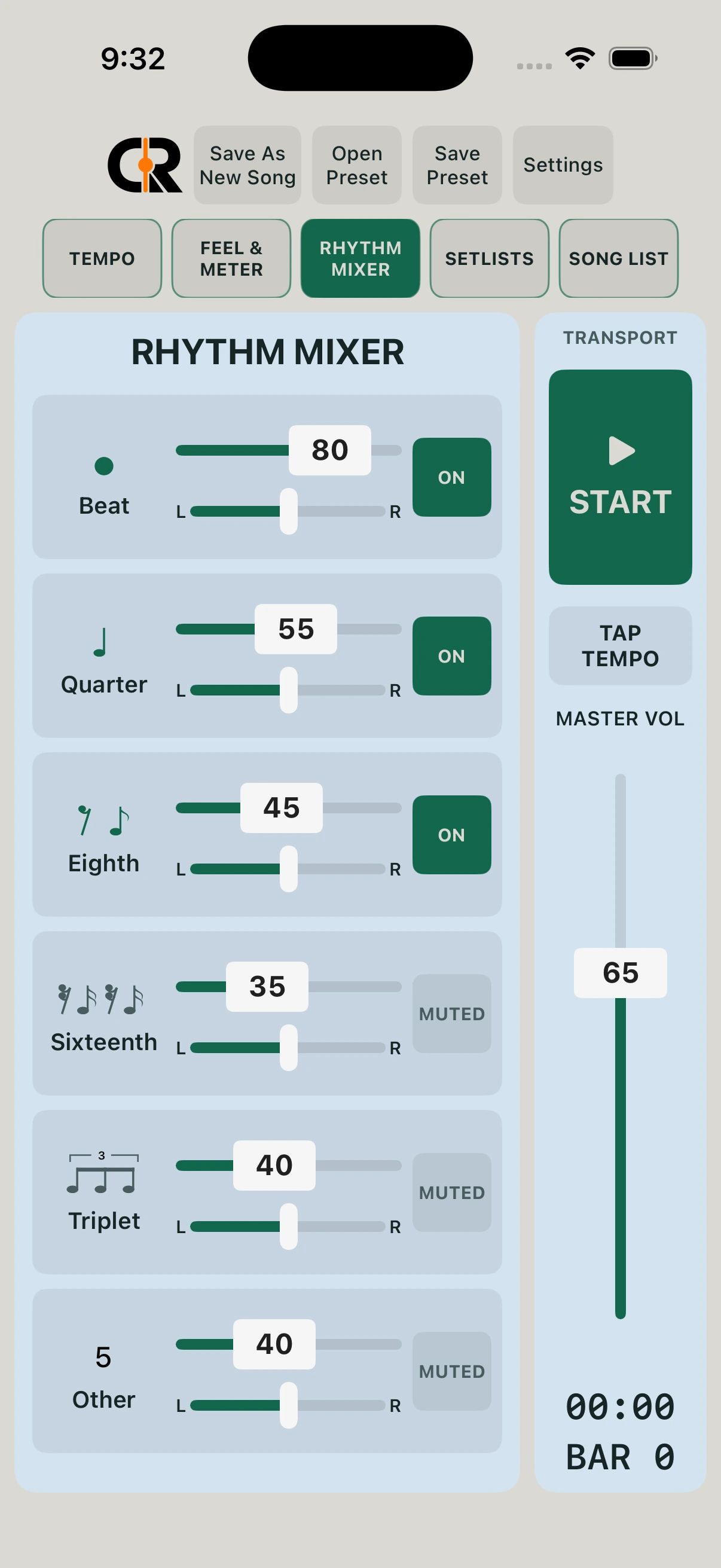
The six-layer rhythm engine
Bring the pulse forward. Tuck subdivisions underneath it. Pan layers apart. Mute what you don’t need.
Save the sounds and mixer balance with each song.
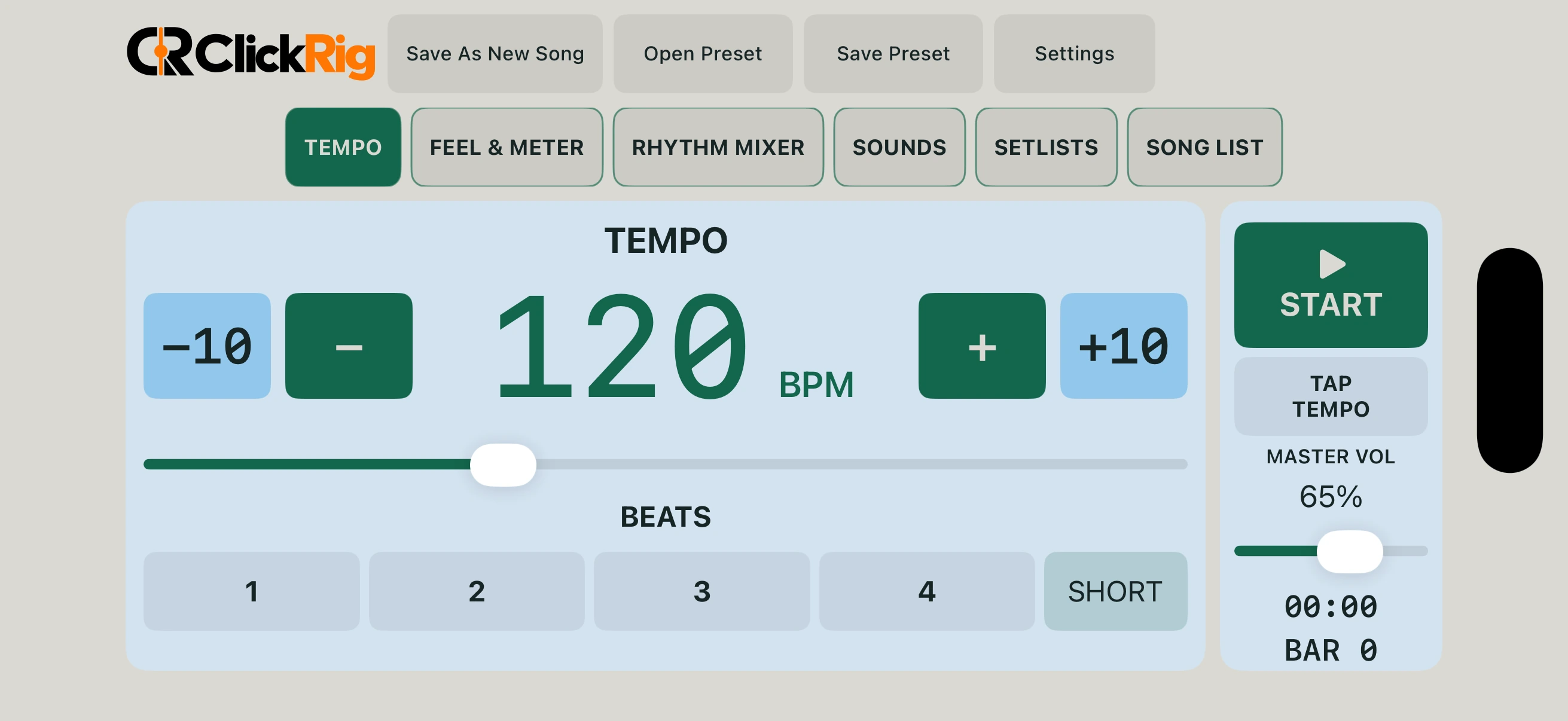
Tempo, meter, & feel
Tap a tempo. Set the meter. Add eighth- or sixteenth-note swing, or halftime feel.
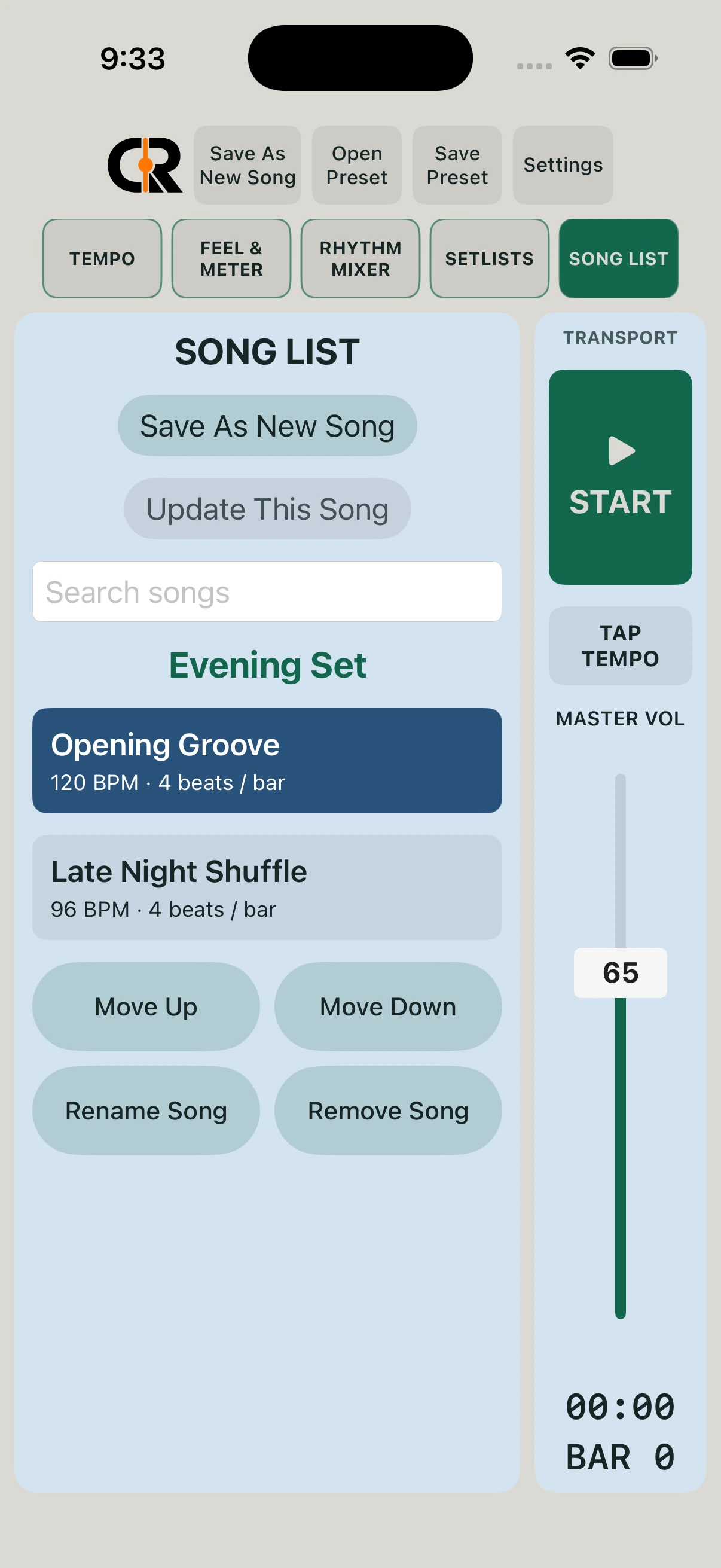
Song presets · Setlists · Show-safe recall
Tempo, meter, swing, sounds, and mixer balance come back together. Arrange your songs in set order and keep the next setup ready.
Load the song. Press START when you’re ready.
Queue the next song for the end of the current bar.
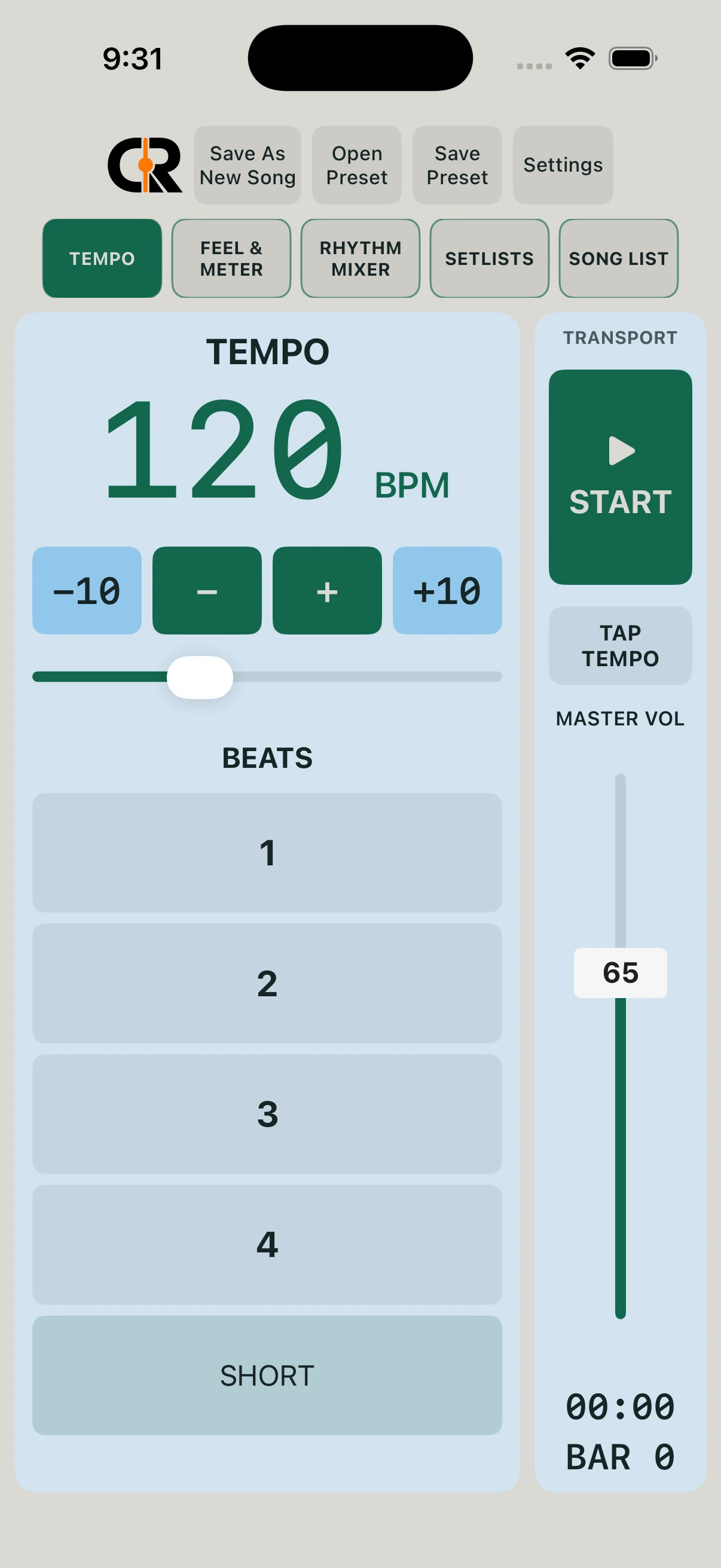
Mac · iPhone · iPad · COMING SOON
Native layouts. Light and dark appearances.
The same focused workflow, sized to your screen.
Portrait and landscape views.
Requires iPadOS 17.0 or later.


Portrait and landscape views.
Requires iOS 17.0 or later.
Native Mac app.
Requires macOS 15.0 or later.
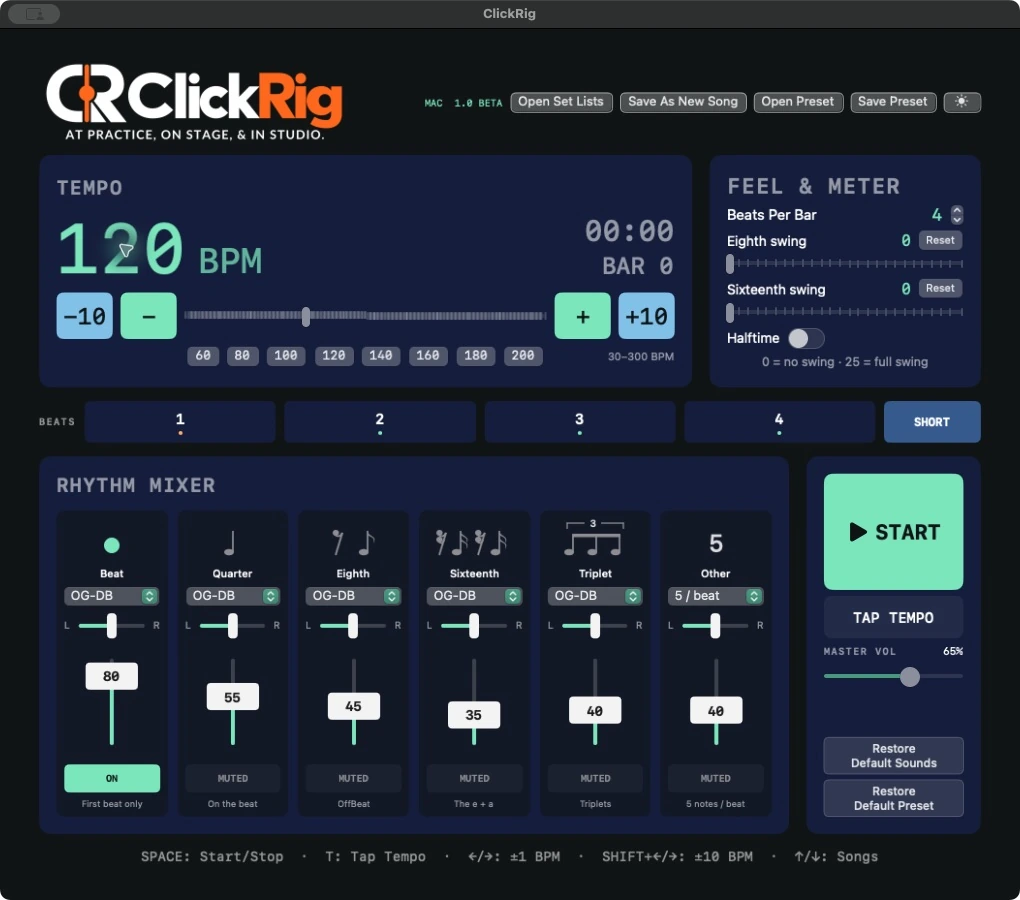
Presets and setlists stay local to each device. Background playback and an included manual on iPhone and iPad.
Subscriptions or a one-time purchase
Free download. Purchase required to use. No free features or trial.
Full platform access during your paid subscription.
About $1.21/month, billed yearly.
Pay once. No recurring subscription for this purchase.
Full platform access during your paid subscription.
About $1.67/month, billed yearly.
Pay once. No recurring subscription for this purchase.
Your Mac purchase will install on every one of your Apple computers.
Use the same Apple Account on compatible Macs.
The mobile app purchase gives you both the iPad and iPhone apps.
Purchases do not sync your settings between devices.
Monthly and yearly subscriptions include app access, bug fixes, and updates during the paid subscription period.
The one-time purchase (Permanent Access in the app) includes all regular updates to the purchased app. A major revision beyond the current app’s capabilities may be offered as a separately paid upgrade.
Subscriptions renew automatically unless canceled. A one-time purchase does not cancel an existing subscription. Manage subscriptions separately through Apple.
Prices are USD. Regional pricing may vary. Apple displays the applicable price and terms at checkout. “Best value” compares yearly billing with twelve monthly payments on the same platform.
COMING SOONCOMING SOON · iPhone & iPadLocal by design
No account. No ads or app analytics. No cloud sync. Your presets and setlists stay on your device.
Read the privacy policy →Built by a working musician
Created by Brian Stephens — professional drummer, producer, audio engineer, and music educator.
Owner of Secret Cove Studios
A few useful details
ClickRig™ is free to download. A monthly, yearly, or one-time purchase is required to use the app. There are no free features or trial.
No. There is no cloud sync. Sharing the mobile purchase does not synchronize your settings.
The mobile app purchase gives you both the iPad and iPhone apps. Your Mac purchase will install on every one of your Apple computers. Use the same Apple Account on compatible Macs.
Yes, background playback is supported on iPhone and iPad.
It includes all regular updates to the purchased app. A major revision beyond the current app’s capabilities may be offered as a separately paid upgrade. Buying it does not cancel an existing subscription.
Use Restore Purchases on the app’s purchase screen with the Apple Account used for that platform. Use Manage Subscriptions there to manage or cancel through Apple.
Mac, iPhone, and iPad apps are COMING SOON. Store artwork is shown here in preparation for release; the badges are not clickable yet.
On Mac, open the manual from the Help menu. On iPhone/iPad, use the question-mark button or Manual in Settings. More support →
More questions? Visit support or email Brian.

Your next session starts here
ClickRig™ — At Practice, On Stage, & In Studio.
Choose your ClickRig™