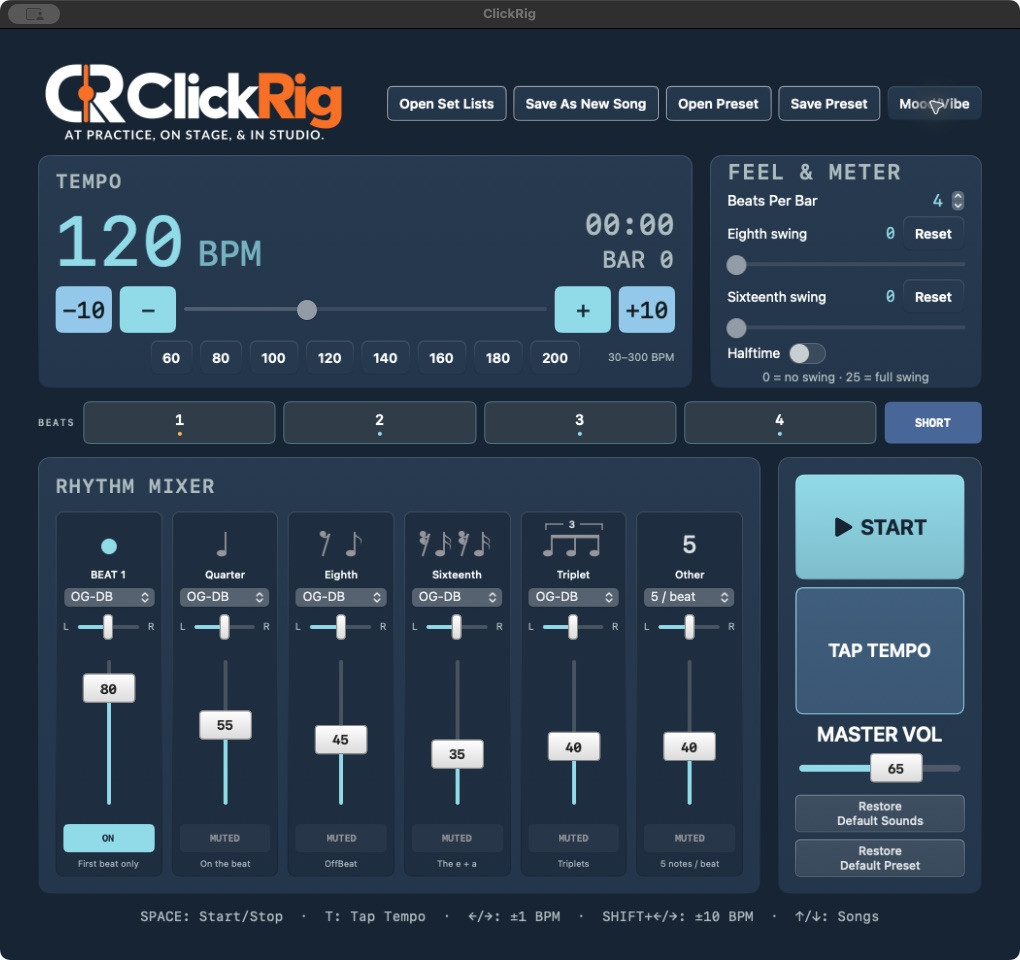
Build your click.
Choose sounds, balance the layers, and dial in the feel.
The programmable click rig for working musicians
Save It. Recall It. Play It.
Mix six rhythm layers, shape the feel, and save your click with each song. ClickRig™ is ready for your practice room, lesson, session, or set.
 Mac
 iPhone & iPad
 Android

One click doesn’t fit every song.
Choose sounds, balance the layers, and dial in the feel.
Keep the complete setup for a tune, lesson, or exercise.
Move to the next part without rebuilding your metronome.
Find your setting
From the first exercise to the last song.
A click that fits the music in front of you.

01 / Practice
Isolate a subdivision. Adjust the swing. Save your setup for tomorrow.
Explore the controls
02 / Lessons
Bring the subdivision forward and keep lesson-specific clicks ready.
Explore the controls
03 / Playing together
Build a rhythmic reference for guitar parts, rhythm sections, and rehearsal.
See the workflow
04 / Songwriting
Save the tempo, meter, and feel while the idea is fresh.
See song recall
05 / On stage
Put your clicks in set order anytime. Recall the SetList before the show starts.
See song recall
06 / Ensembles
Anchor the beat & set subdivisions for sectionals & ensemble rehearsal.
Explore the controlsThe Click Crew
Join The Click Crew for ClickRig™ email updates and promotions.
Signup is handled by SendFox. Read our privacy policy.
If the form doesn’t appear, open the signup form.
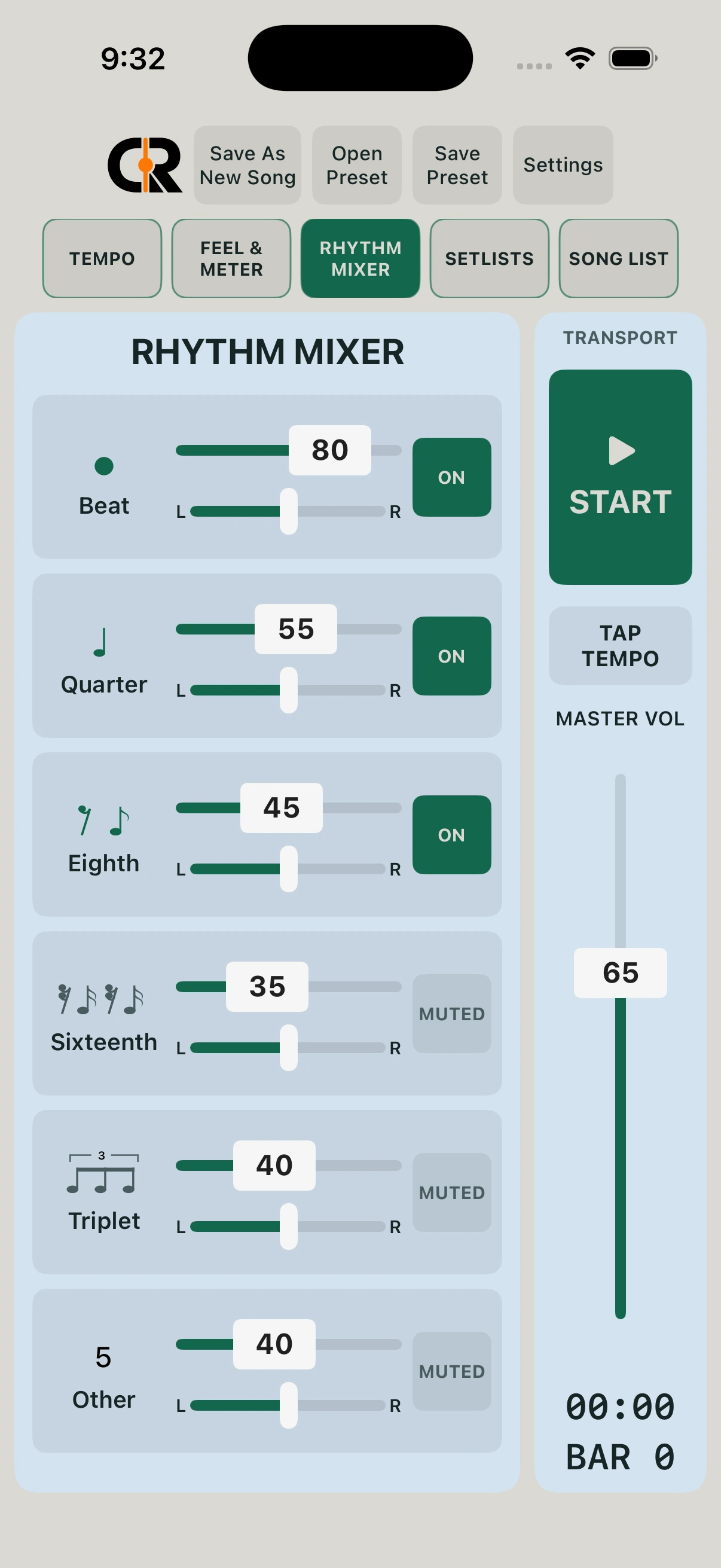
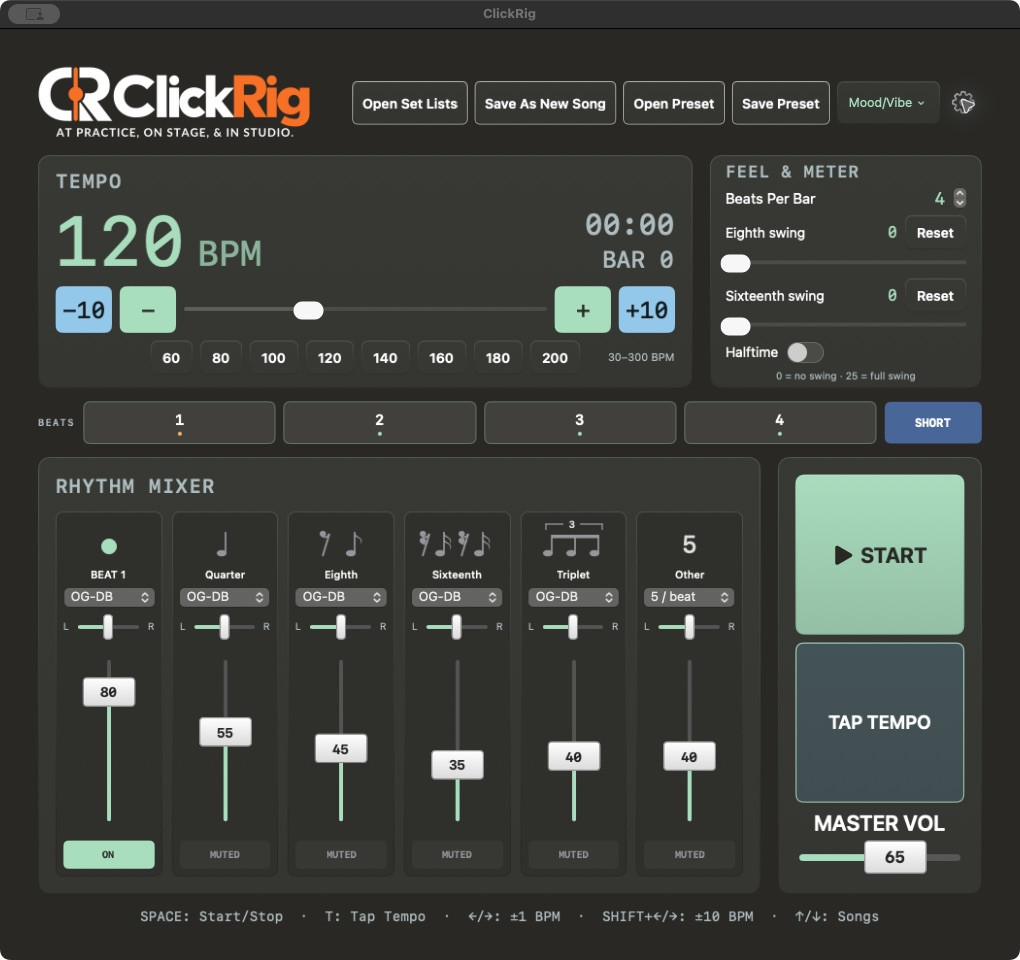
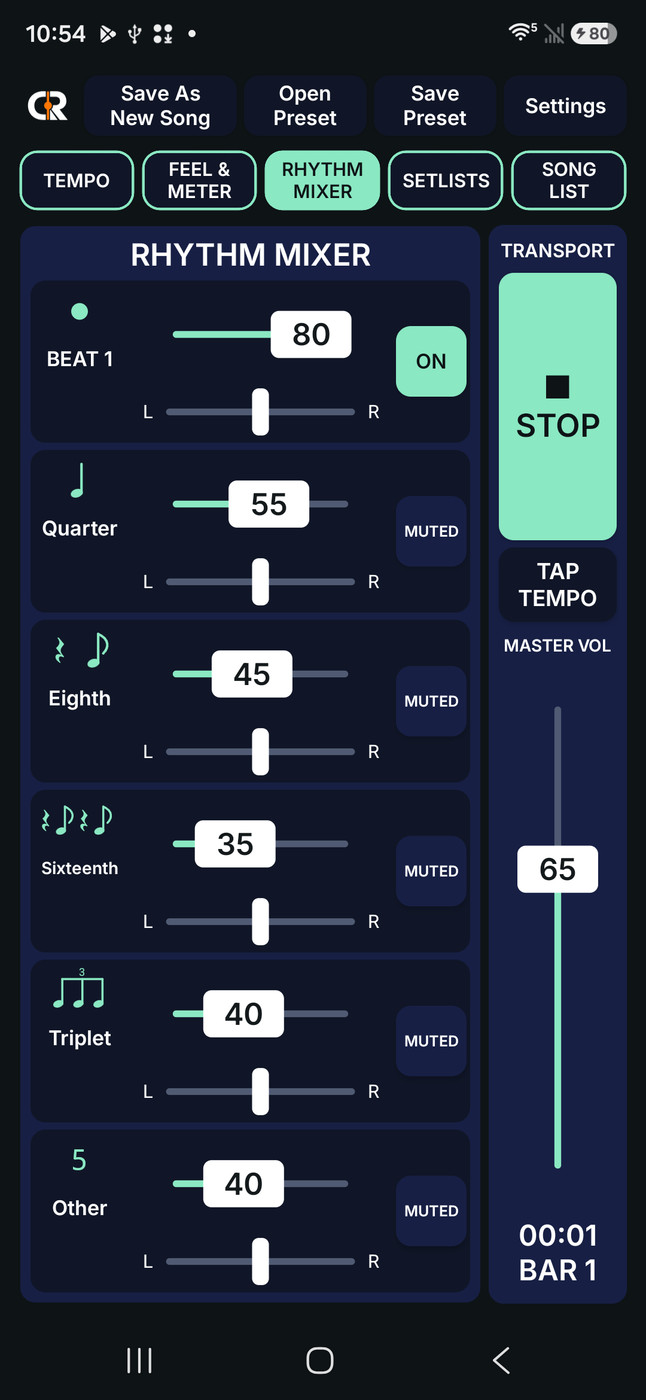
The six-layer rhythm engine
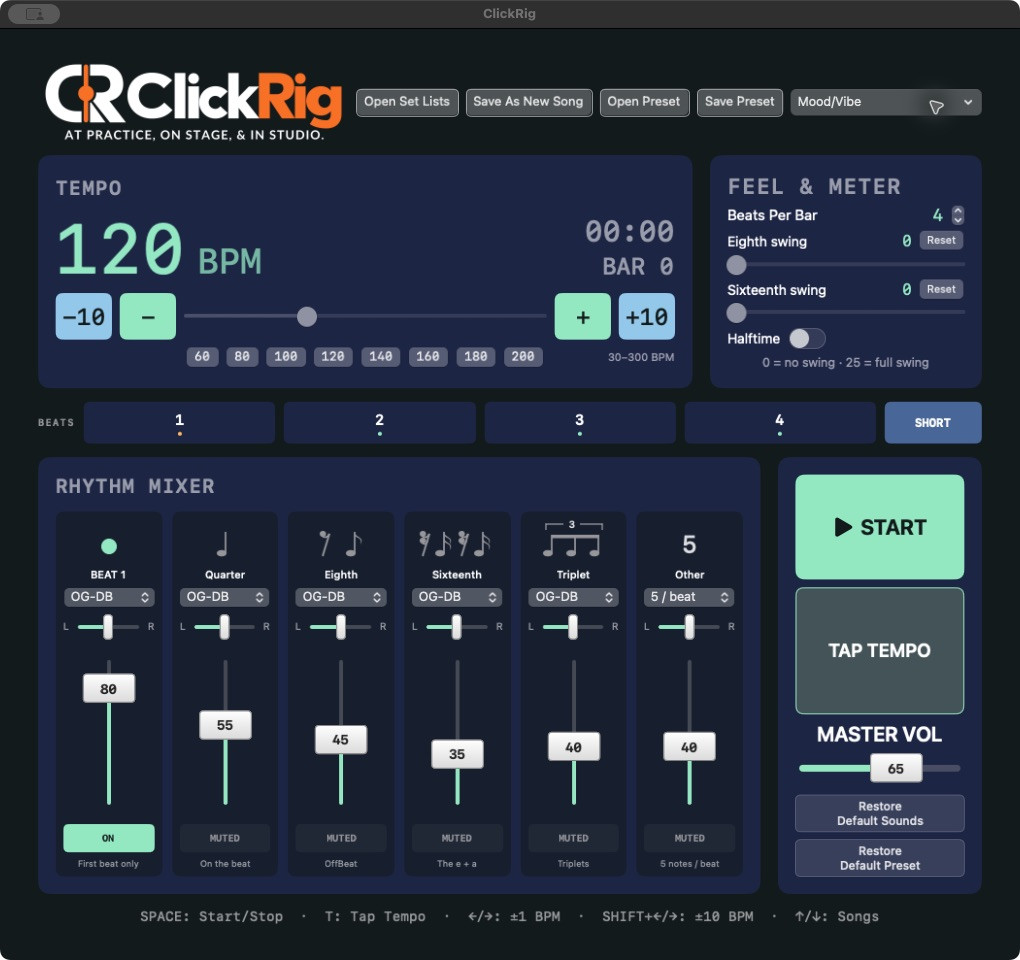
Bring the pulse forward. Tuck subdivisions underneath it. Pan layers apart. Mute what you don’t need.
Save the sounds and mixer balance with each song.
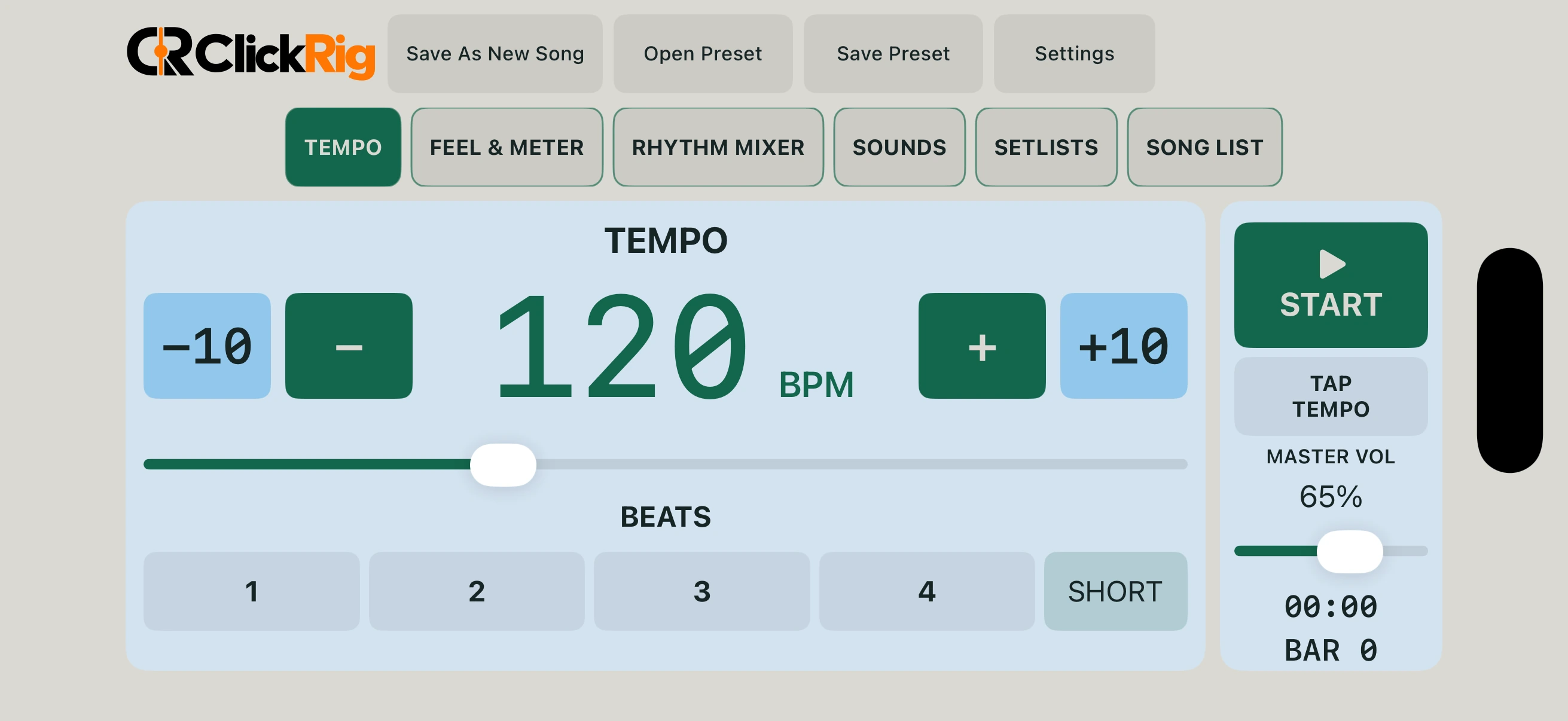
Tempo, meter, & feel
Tap a tempo. Set the meter. Add eighth- or sixteenth-note swing, or halftime feel.
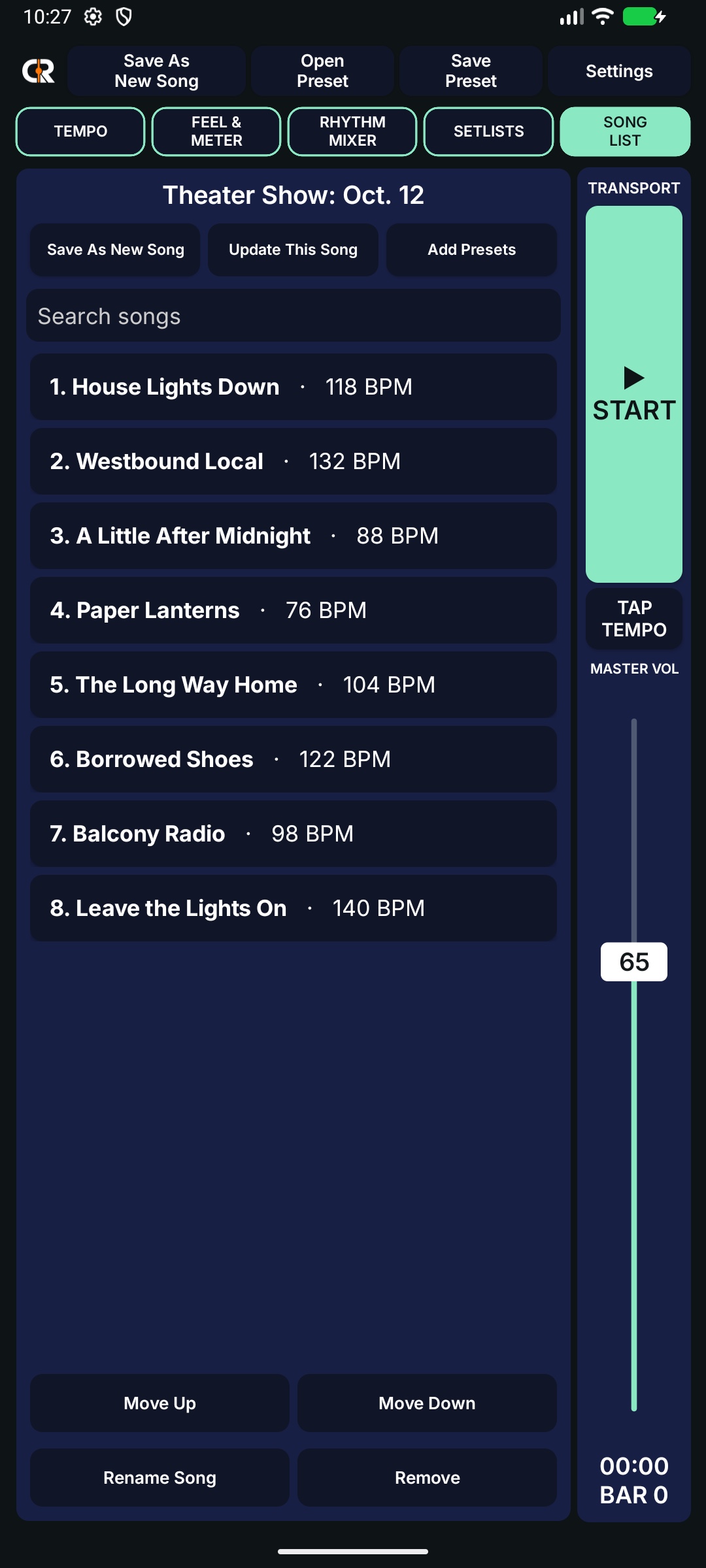
Song presets · Setlists · Show-safe recall
Tempo, meter, swing, sounds, and mixer balance come back together. Arrange your songs in set order and keep the next setup ready.
Load the song. Press START when you’re ready.
Queue the next song for the end of the current bar.
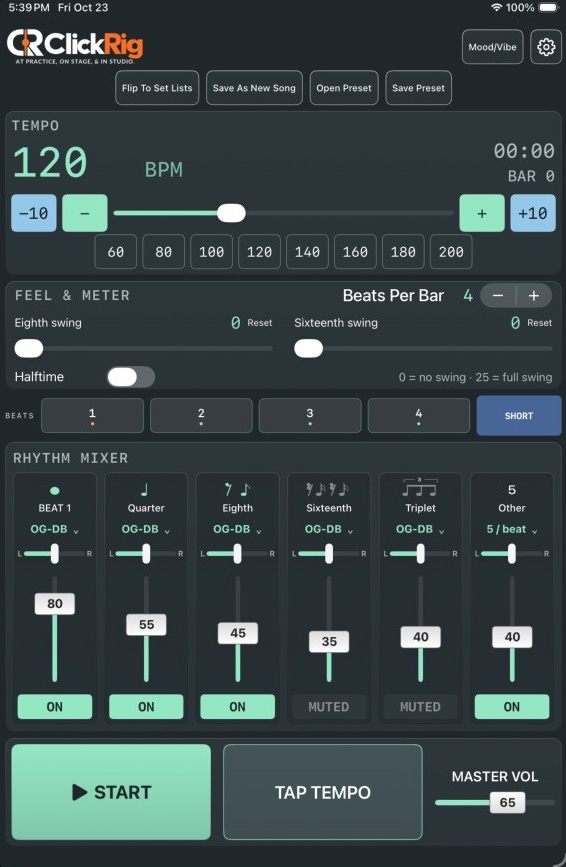
Mac · iPhone · iPad · Android
Find your device to see the controls, screen layouts, and system requirements.
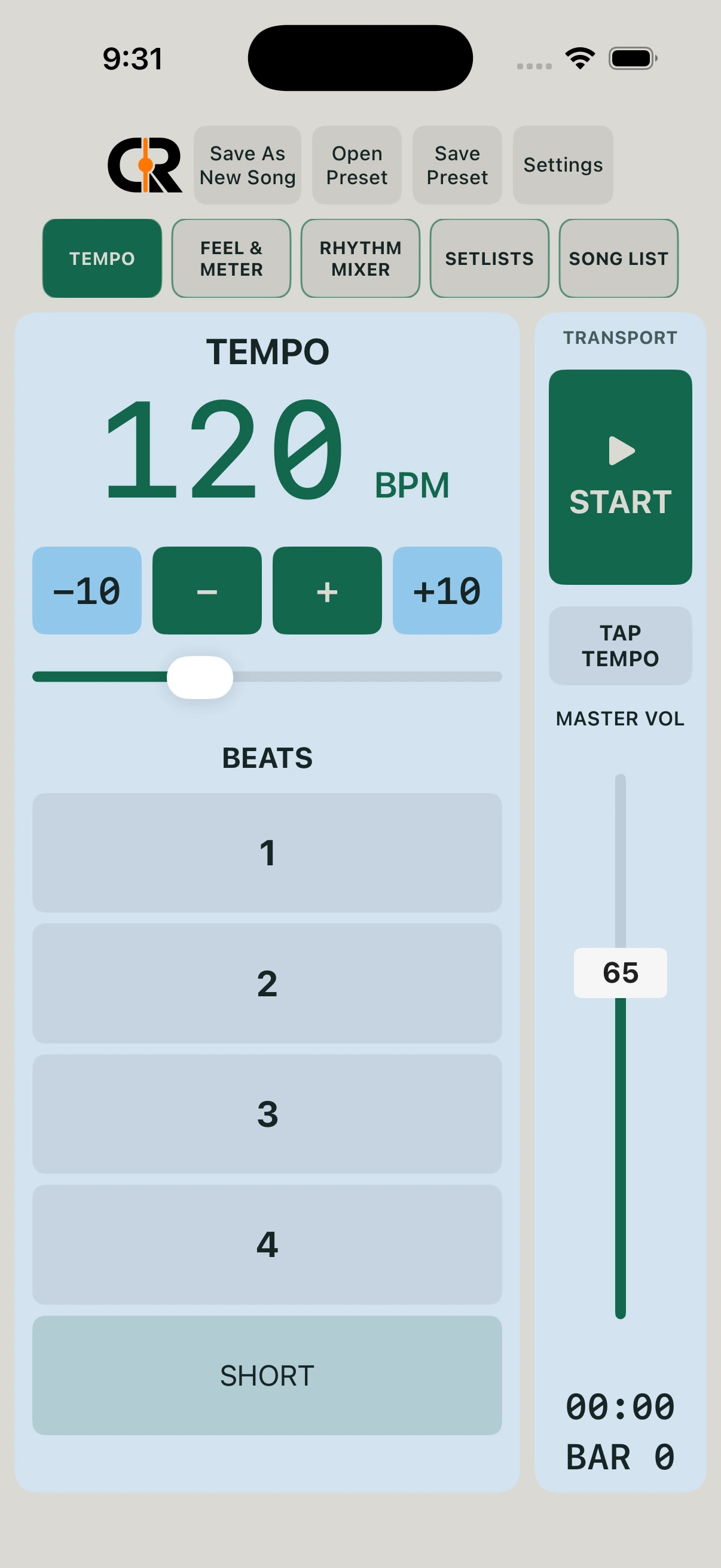
Portrait and landscape views.
Requires iPadOS 17.0 or later.


Portrait and landscape views.
Requires iOS 17.0 or later.
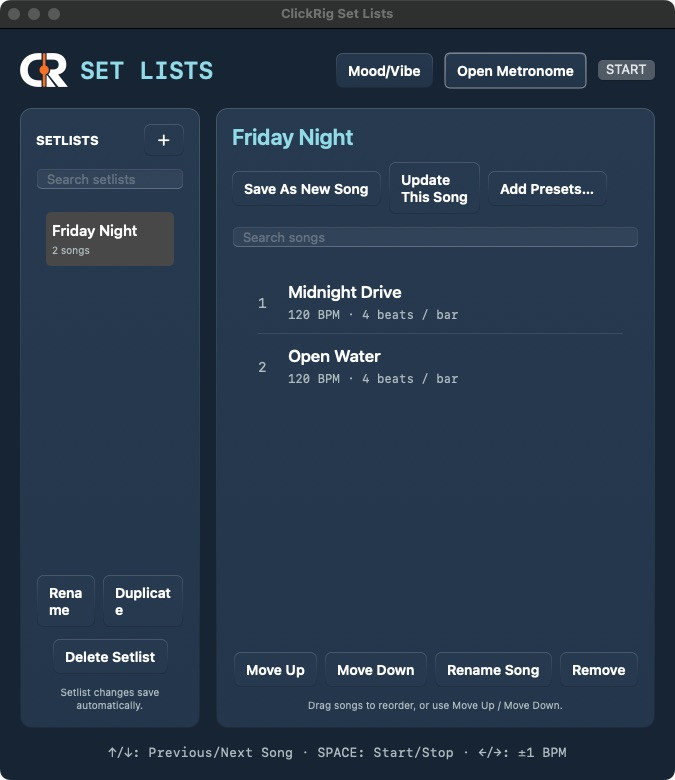
Native Mac app.
Requires macOS 15.0 or later.
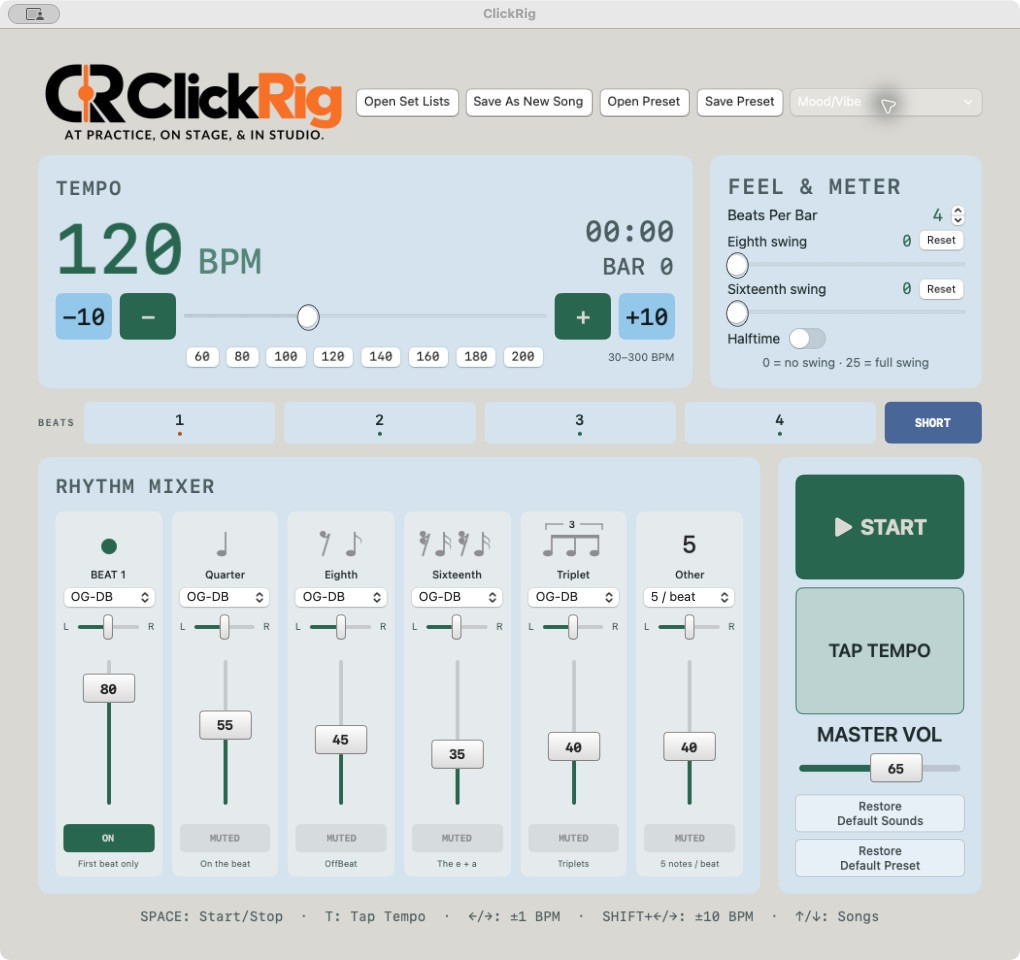
For phones and tablets running Android 10 or later. Choose light or dark mode. Keep the app open while playing.
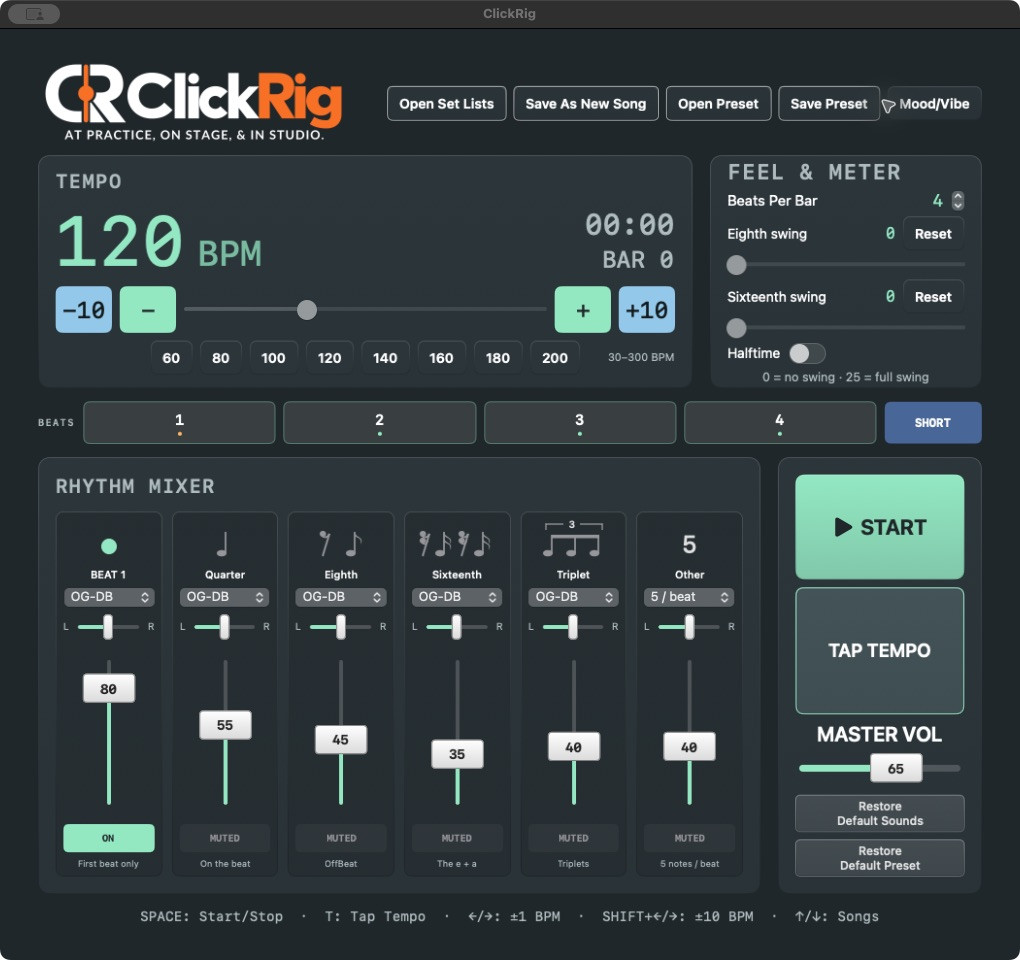
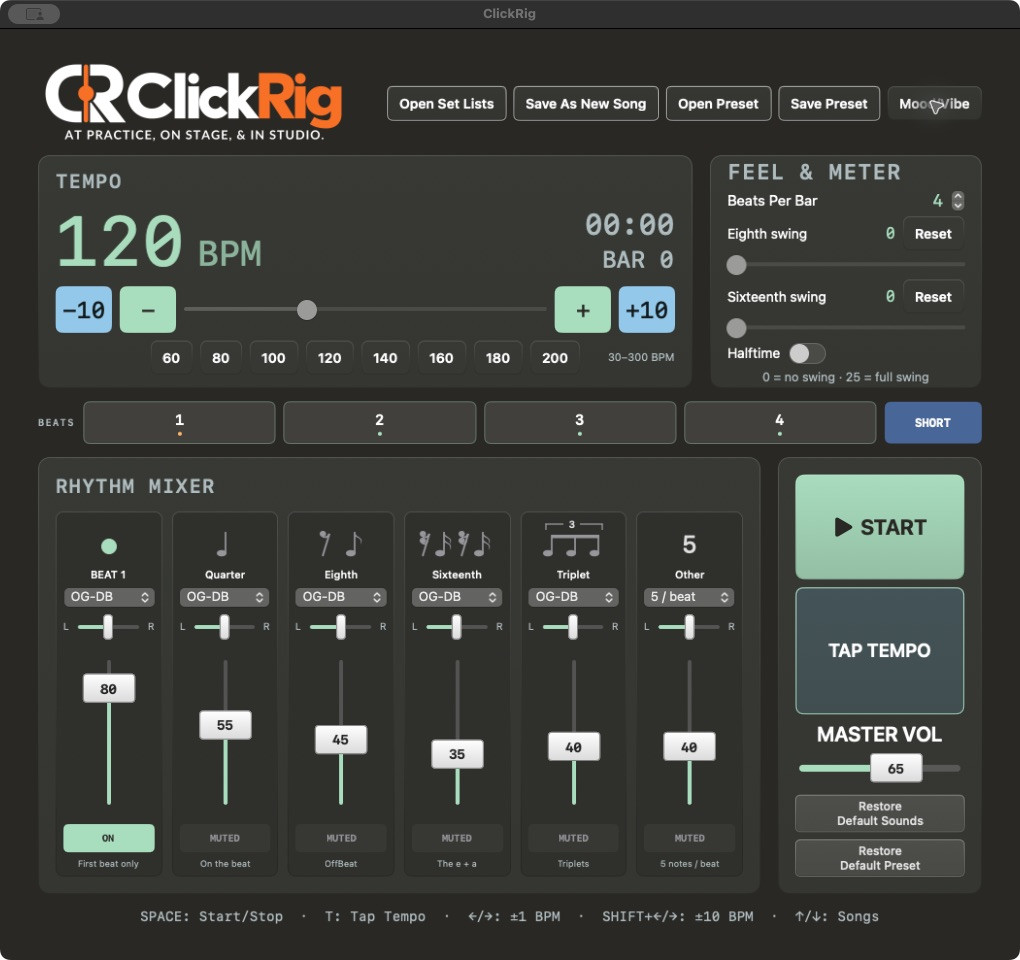
On Mac, iPhone, and iPad, open Mood/Vibe and choose OG Dark, OG Light, Satin Graphite, Warm Studio, Pearl Light, or Cool Studio.

Subscriptions or a one-time purchase
Free download. Purchase required to use. No free features or trial.
Full platform access during your paid subscription.
About $1.21/month, billed yearly.
Pay once. No recurring subscription for this purchase.
Full platform access during your paid subscription.
About $1.67/month, billed yearly.
Pay once. No recurring subscription for this purchase.
Full platform access during your paid subscription.
About $1.67/month, billed yearly.
Pay once. No recurring subscription for this purchase.
Mac
Use your Mac purchase on compatible Macs signed in to the same Apple Account.
iPhone & iPad
The mobile app purchase gives you both the iPad and iPhone apps with the same Apple Account.
Android
Use the Google Account you purchased with on compatible Android devices. Mac, Apple mobile, and Google Play purchases are separate.
Monthly and yearly subscriptions include app access, bug fixes, and updates while your subscription is active. They renew automatically until canceled through the store that billed you.
Permanent Access is a one-time purchase. It includes regular updates to the purchased app. A major revision may be offered as a separate paid upgrade. If you already subscribe, cancel your subscription separately to stop recurring charges.
Prices shown are US prices in USD. Regional prices may vary. Your store shows the applicable price and terms before you buy. “Best value” compares yearly billing with twelve monthly payments on the same platform.
MaciPhone & iPadAndroidLocal by design
No account. No ads or app analytics. No cloud sync. Your presets and setlists stay on your device.
Read the privacy policy →Built by a working musician
Created by Brian Stephens — professional drummer, producer, audio engineer, and music educator.
Owner of Secret Cove Studios
A few useful details
Mac requires macOS 15 or later, iPhone requires iOS 17 or later, and iPad requires iPadOS 17 or later. Android phones and tablets require Android 10 or later.
The download is free. Using the app requires monthly, yearly, or Permanent Access. The standard download includes no free features or trial.
One payment covers ongoing use and regular updates to the app you purchased. A major upgrade may be sold separately. If you already subscribe, cancel that subscription separately to stop renewal.
iPhone and iPad share an Apple mobile purchase. The Mac app and Google Play edition each require a separate purchase. Use the original store account on a compatible replacement device.
Your store account can restore purchase access. Presets and setlists live on the device and do not sync automatically. Before changing devices or removing the app, check the backup and restore options for your platform.
On iPhone and iPad, playback can continue when you switch apps. On Android, keep the app in the foreground while playing.
On Mac, iPhone, and iPad, choose a theme under Mood/Vibe and open the manual from Settings. Android offers light and dark modes. The Android release has no built-in manual. Read Android support.
Use the subscriptions settings for the Apple Account or Google Play account that paid for the app. Get instructions for your platform.
More questions? Visit support or email Brian.

Your next session starts here
ClickRig™ — At Practice, On Stage, & In Studio.
Get ClickRig™